A guided store setup
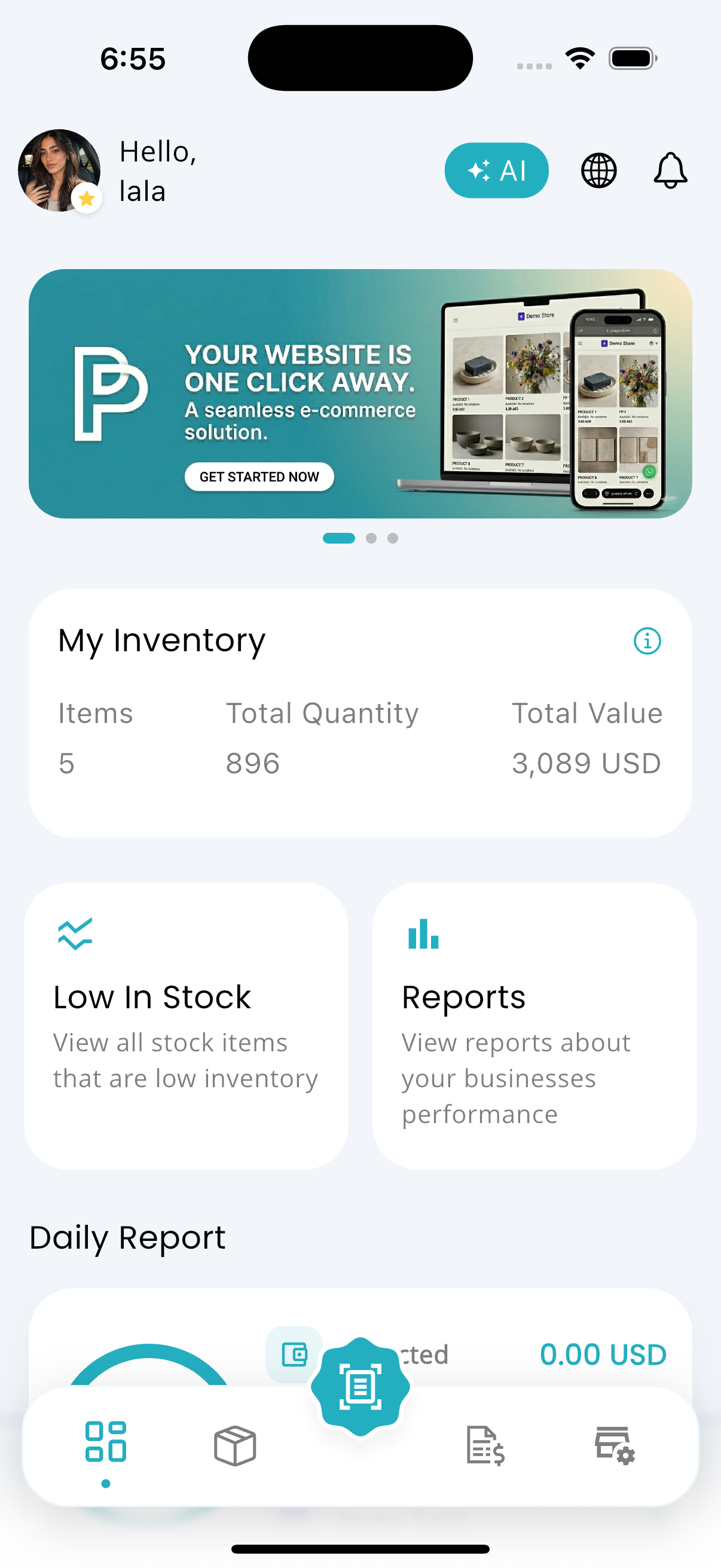
Your website starts inside Profit Pulse.
Choose your products, confirm their images, and select your link from one clear setup flow.
 Profit Pulse
Your online store from one app
Enter the product name, description, price, and images. Enable your store and Profit Pulse turns that information into a website you can share.
No coding. No separate website builder. No product data entered twice.
Everything your store needs
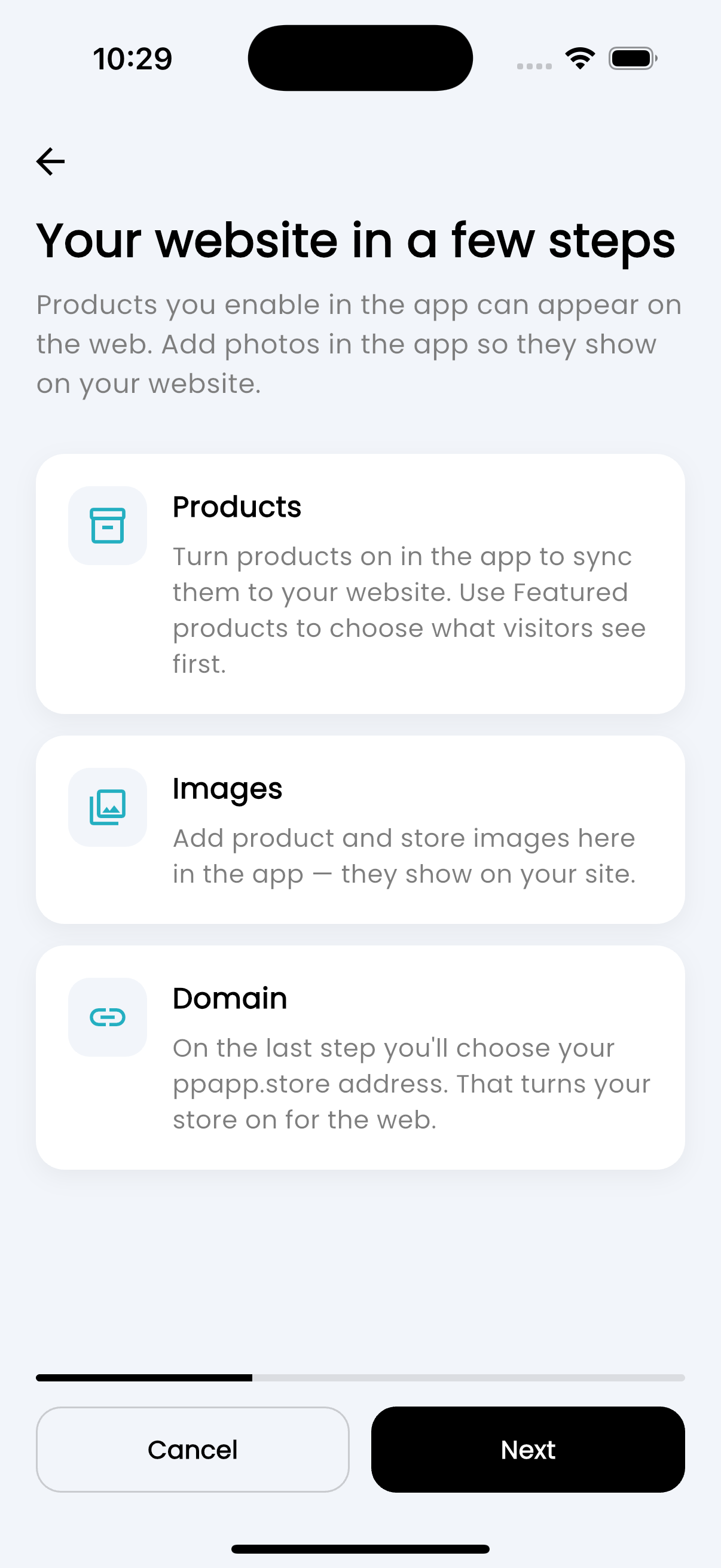
A guided store setup
Choose your products, confirm their images, and select your link from one clear setup flow.
Add a product once
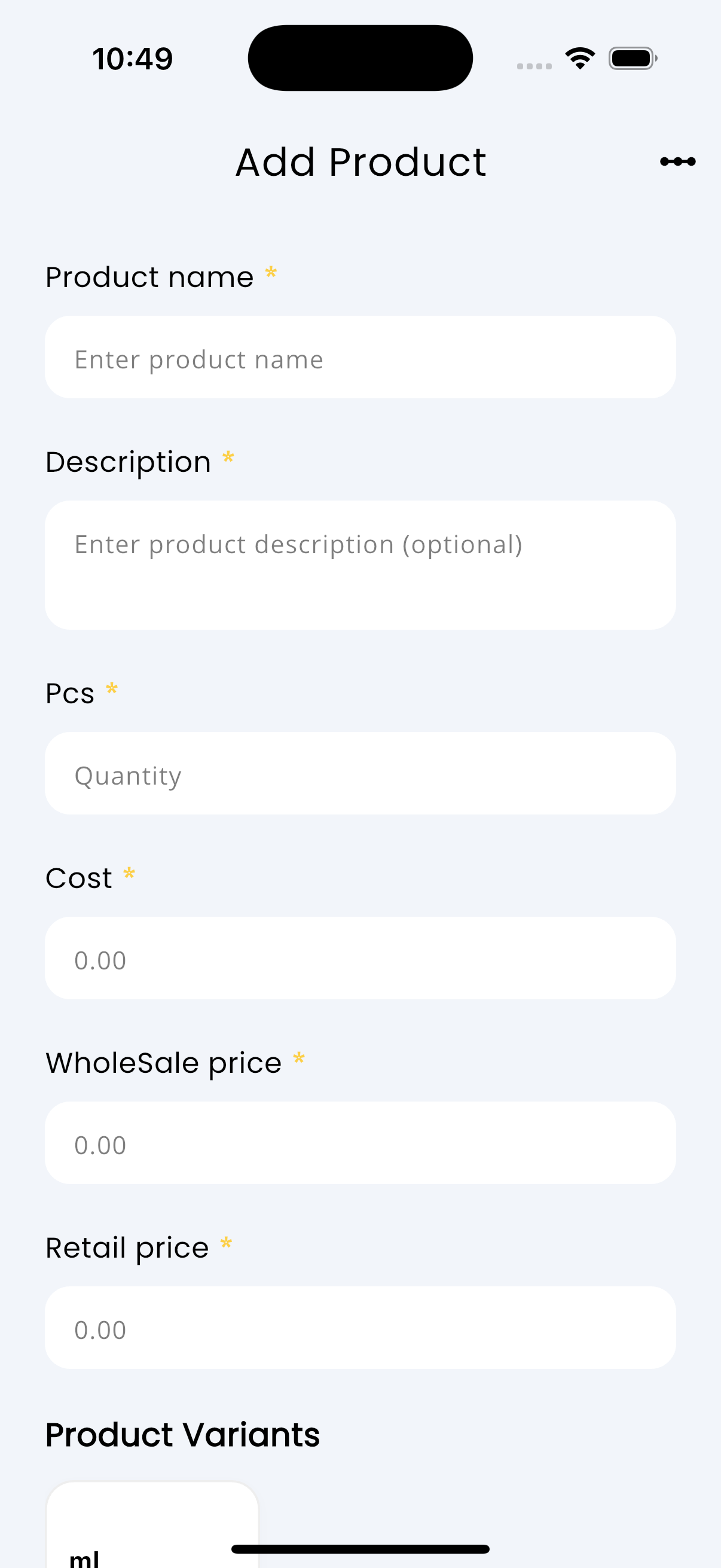
Add the product name, description, quantity, cost, and selling price in the same form you use to manage inventory.
Use your existing catalog
Prices, quantities, and profit stay in one catalog, so the website never needs a second product list.
Once your products are ready, the website only needs a few store details.
Make the store yours
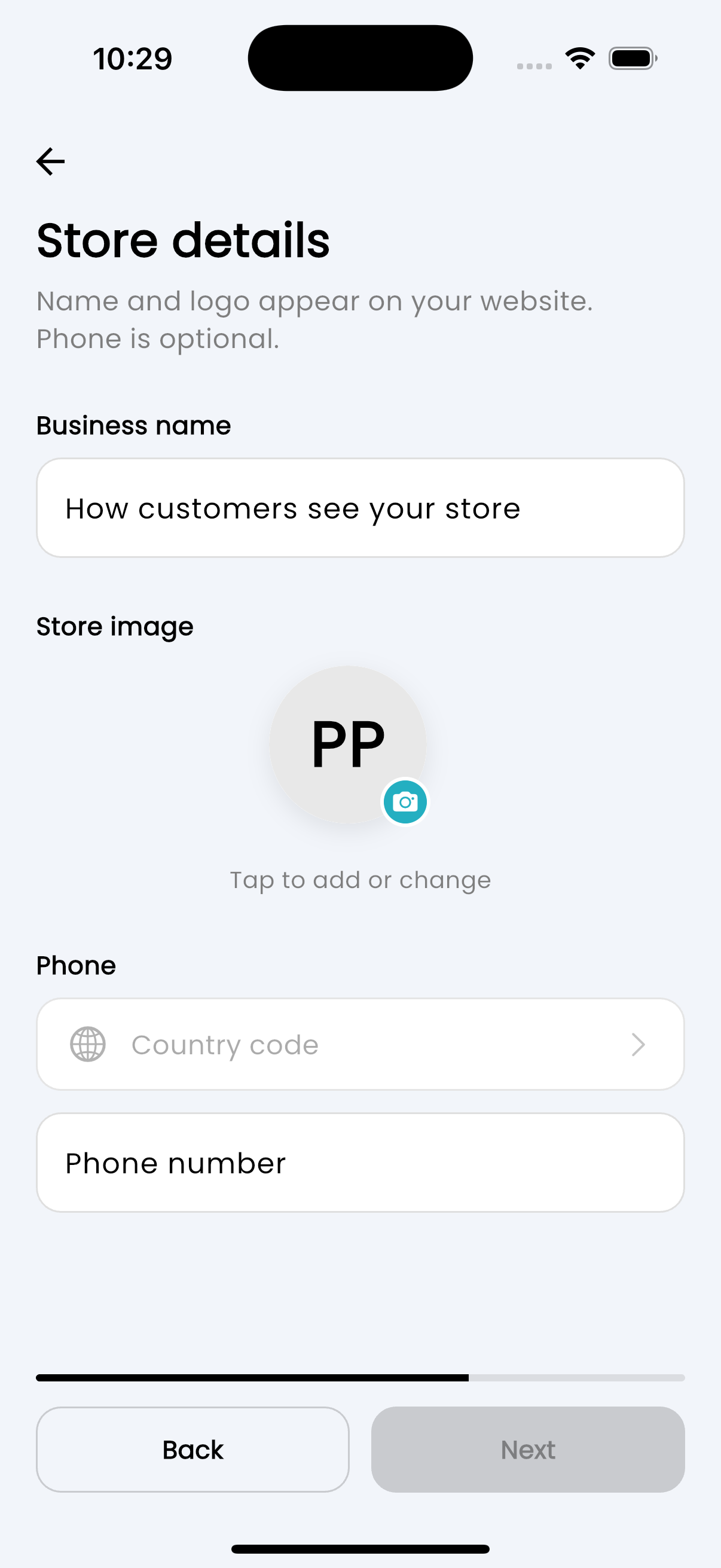
Enter the business name, upload a store image, and add an optional WhatsApp number for customers.
Choose your public link
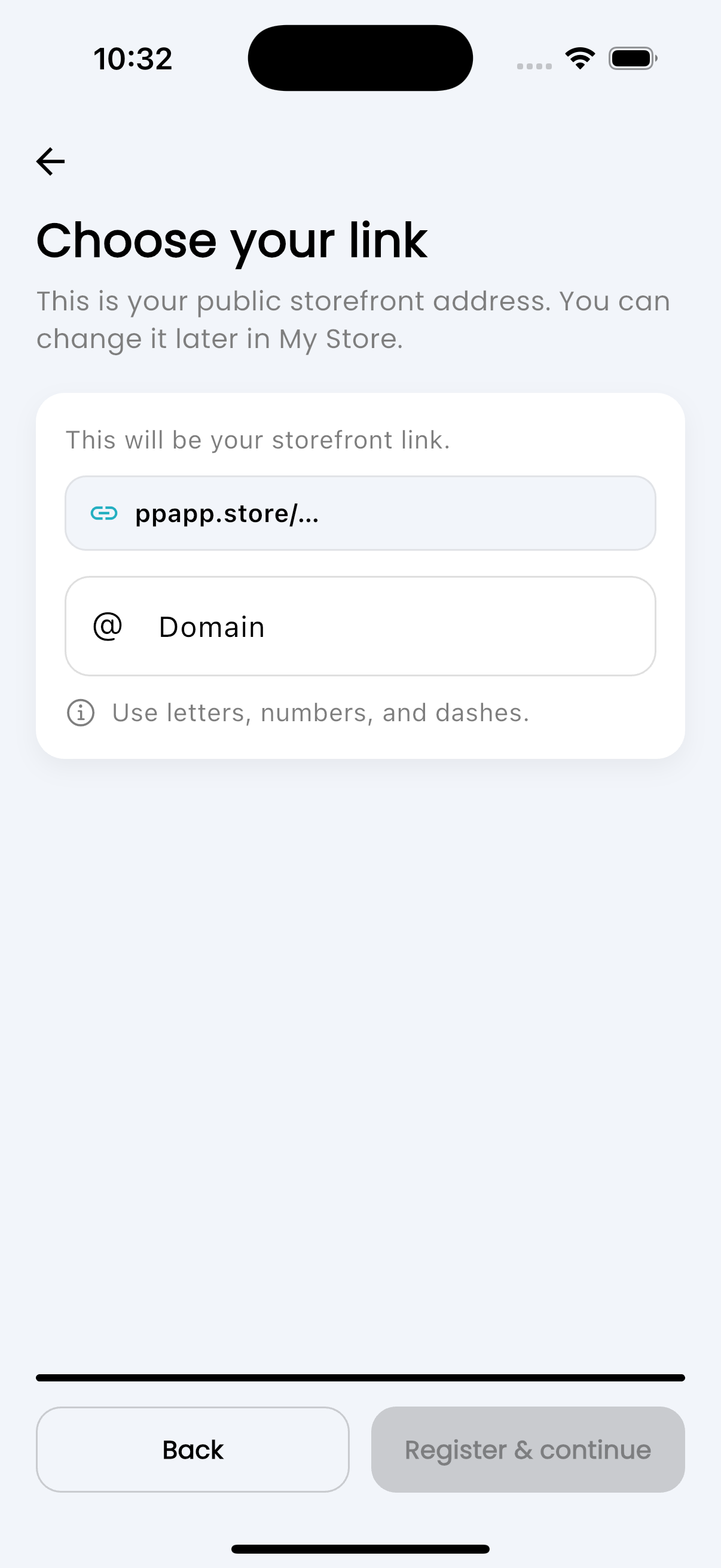
Pick your store link, check that it is available, and continue. Profit Pulse handles the website behind it.
One simple store flow
Profit Pulse uses the product information you already need for daily business and turns it into a website without another setup process.
Enter the name, description, quantity, cost, and selling price.
Upload the photos customers should see on your website.
Add the store name, image, contact number, and public link.
Turn on your website and share the link with your customers.
One catalog for every sale
The same name, description, price, and quantity power your inventory and your website.
Add the images customers need to understand and trust each product.
Select the products you want customers to see before the store goes live.
Manage your quantities in the same place that powers your online catalog.
Choose a clear public address that is easy to send and easy to remember.
Enable the website when you are ready and start sharing it immediately.
Profit PulseAdd the product details and images you already need, enable your store, and send customers your new website.